Motor buying guide

Choose your
SurRon motor.

More torque for the climb. More RPM for the next straight. Or a motor upgrade that keeps your current controller.

Start with your bike, then compare the two motors made for it.

See what your setup can deliver

Riding a Talaria? Find controller upgrades for your stock motor.

01 / SurRon Light Bee

TM25 vs TM40 Pro

Keep your controller, or plan the next level.

TM25 works with TC500 and TC1000. TM40 Pro is the TC1000 option for a higher-power build. Start with what you own and what you want to change next.

See Light Bee setups
Keep your TC500. Add a motor upgrade.

TM25

TC500 or TC1000
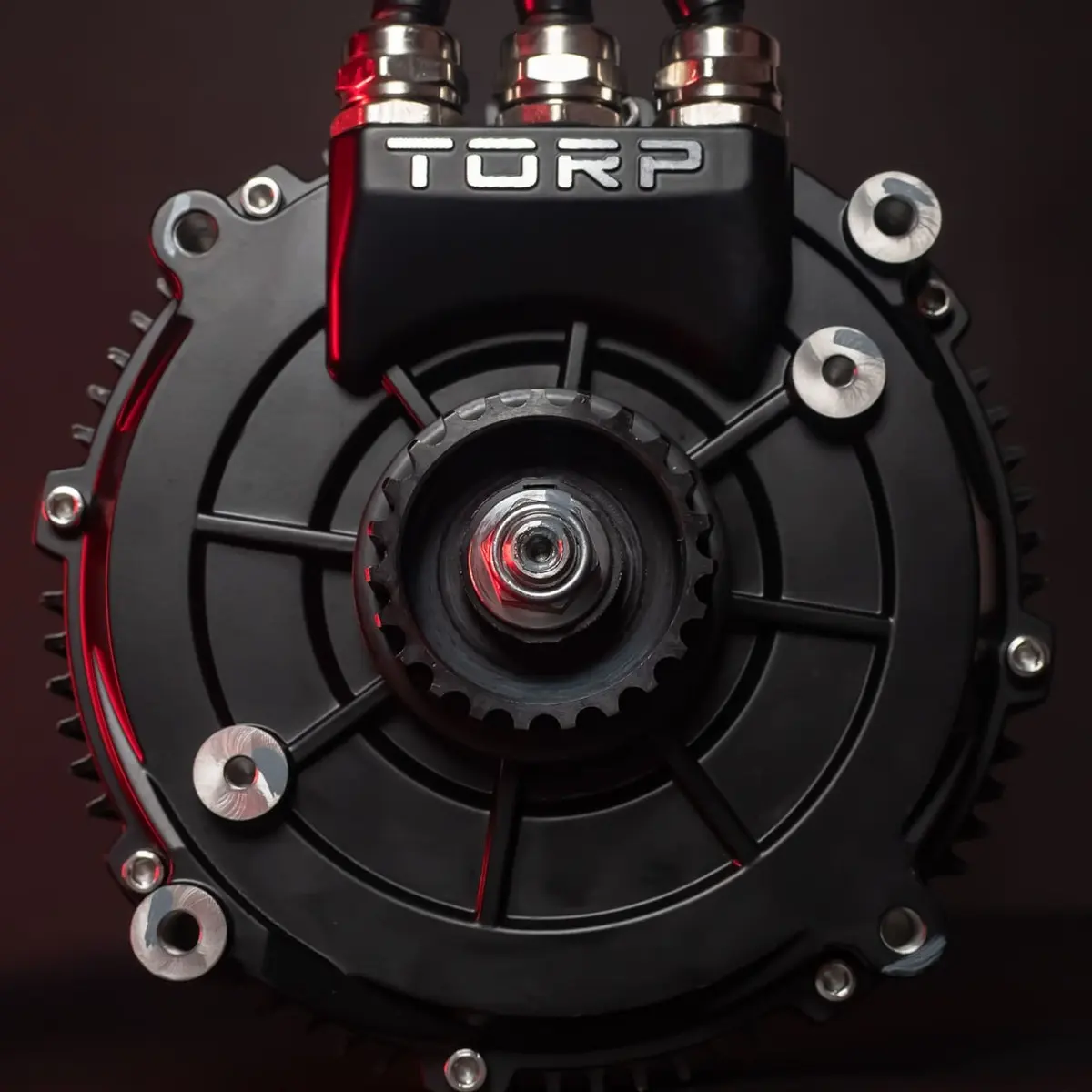
TORP TM25 motor, front view

The flexible Light Bee upgrade.

Choose TM25 if you want a motor upgrade that works with either TORP controller. It's the lighter of these two Light Bee motors, with room to increase power as you upgrade the battery.

Max torque
67 Nm (at 700 A)
Max RPM
10,000
Weight
10 kg

Published motor ratings. Output on your bike depends on the complete setup.

Plan the complete high-power build.

TM40 Pro

TC1000
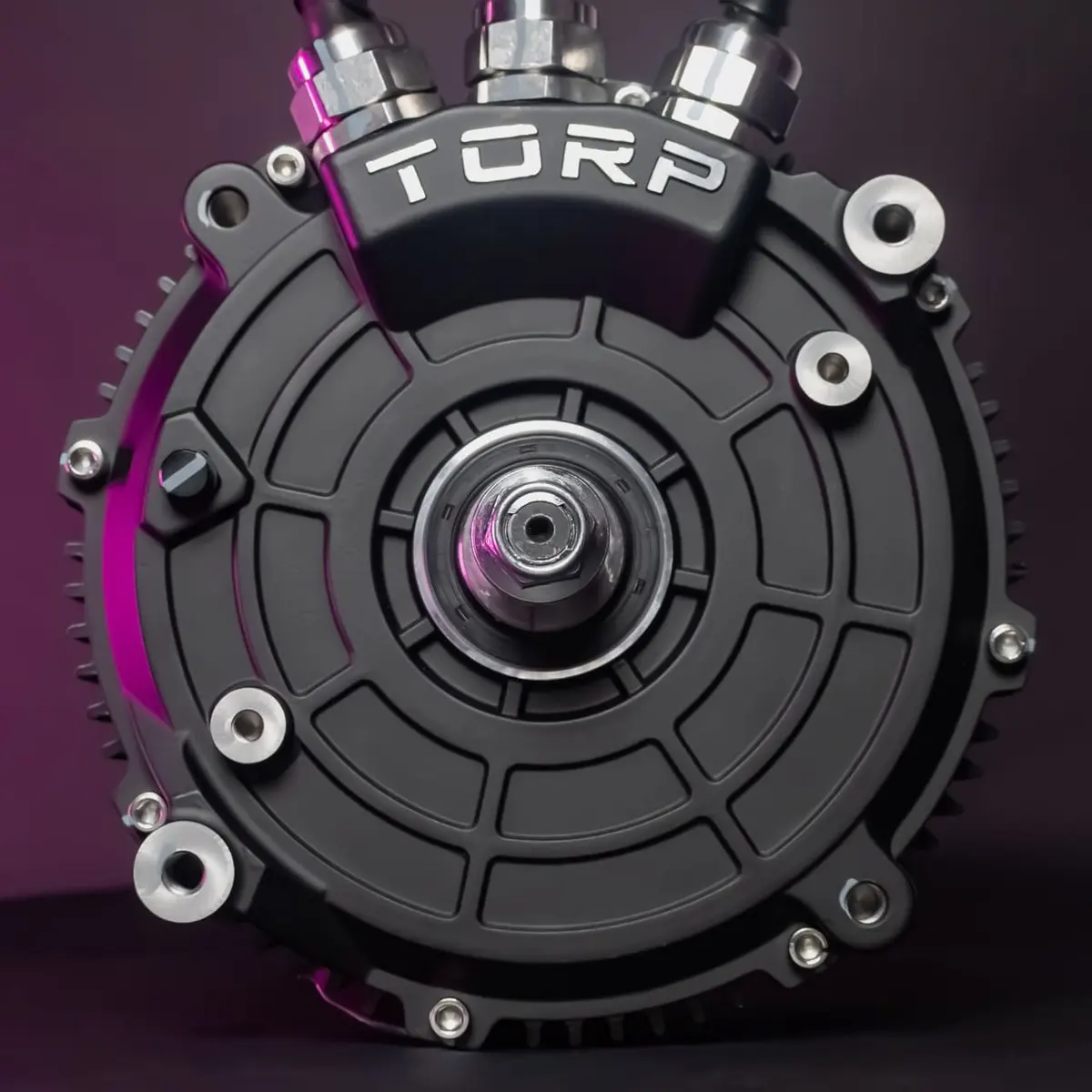
TORP TM40 Pro motor, front view

More power from a TC1000 setup.

Choose TM40 Pro when a higher-power Light Bee build is the goal. It needs TC1000 and a suitable battery; plan the drivetrain and the rest of the bike around that complete setup.

Max torque
86 Nm
Max RPM
11,000
Weight
12 kg

Published motor ratings. Output on your bike depends on the complete setup.

Already have a TC500? TM25 lets you keep it. A TM40 Pro build requires TC1000, so include the controller in your plan.

Compare all Light Bee motor specifications
TM25 vs TM40 Pro: published motor specifications
Motor specificationTM25TM40 Pro
Compatible controllerTC500, TC1000TC1000
Motor peak rating31 kW (at 80 V)50 kW
Continuous rating13 kW19 kW
Max torque67 Nm (at 700 A)86 Nm
Max phase current800 A1100 A
KV85 RPM/V97 RPM/V
Max RPM10,00011,000
Weight10 kg12 kg
Warranty2 years2 years

Peak and continuous figures are motor ratings, not a guaranteed output for every controller and battery combination. Torque figures are motor ratings, not wheel torque. KV is the motor speed constant in RPM/V; gearing and wheel size also affect vehicle speed.

Rider tests

Watch the Light Bee rider tests

See MattFrancisOfficial ride both Light Bee motors in his builds. Pair the footage with the controller and battery guidance above.

02 / SurRon Ultra Bee

TM50 Pro vs TM50 Speed

More torque, or more RPM?

Both TM50 motors fit the Ultra Bee with TC1000. Their different torque and RPM ratings make riding style the useful way to choose between them.

See Ultra Bee setups
Put torque first.

TM50 Pro

TC1000
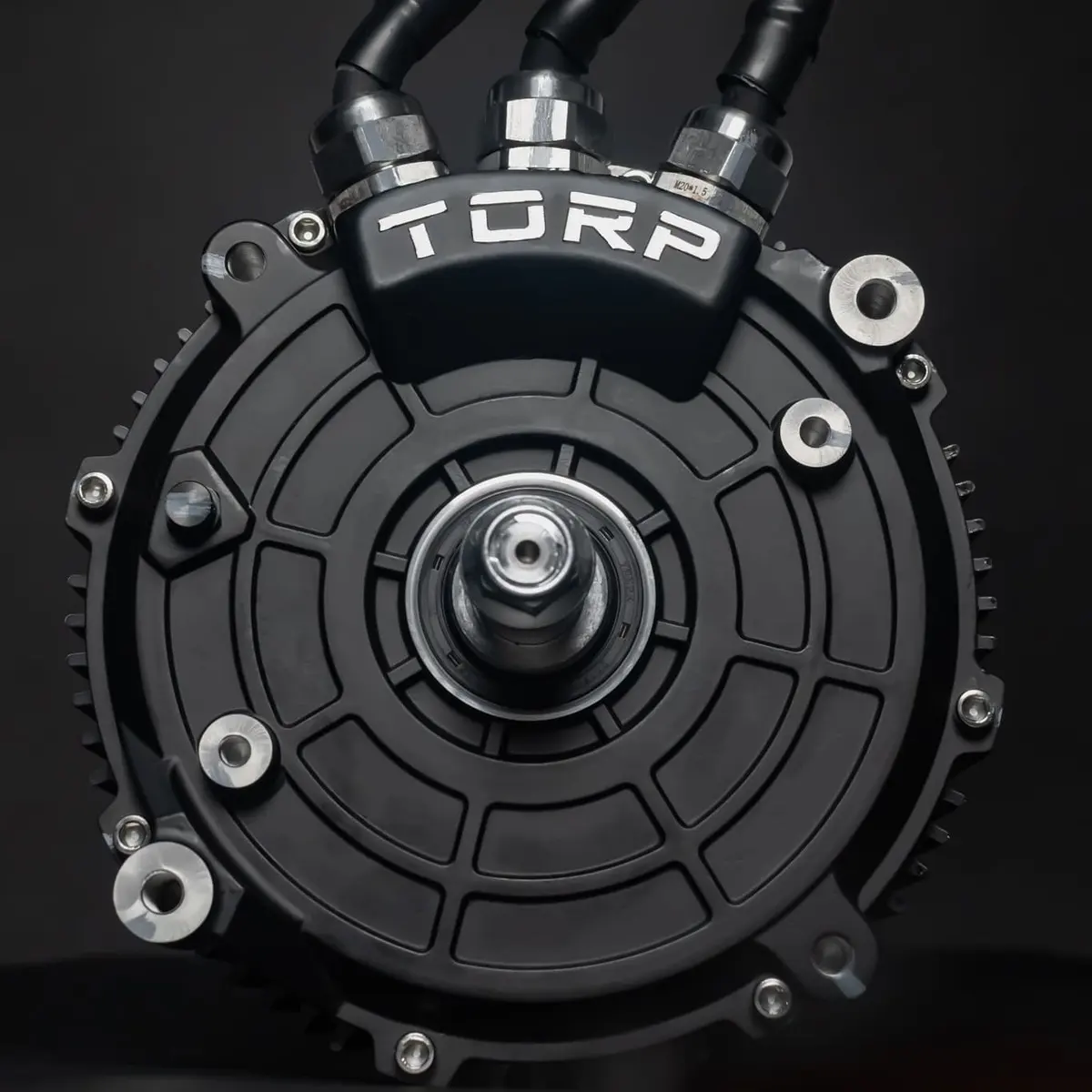
TORP TM50 Pro motor, front view

For climbs and technical riding.

Choose TM50 Pro when torque matters most. Its higher published torque rating makes it the torque-focused option in the Ultra Bee pair, with TC1000 as the required controller.

Max torque
102 Nm
Max RPM
11,000
Weight
14.2 kg

Published motor ratings. Output on your bike depends on the complete setup.

Put higher RPM first.

TM50 Speed

TC1000
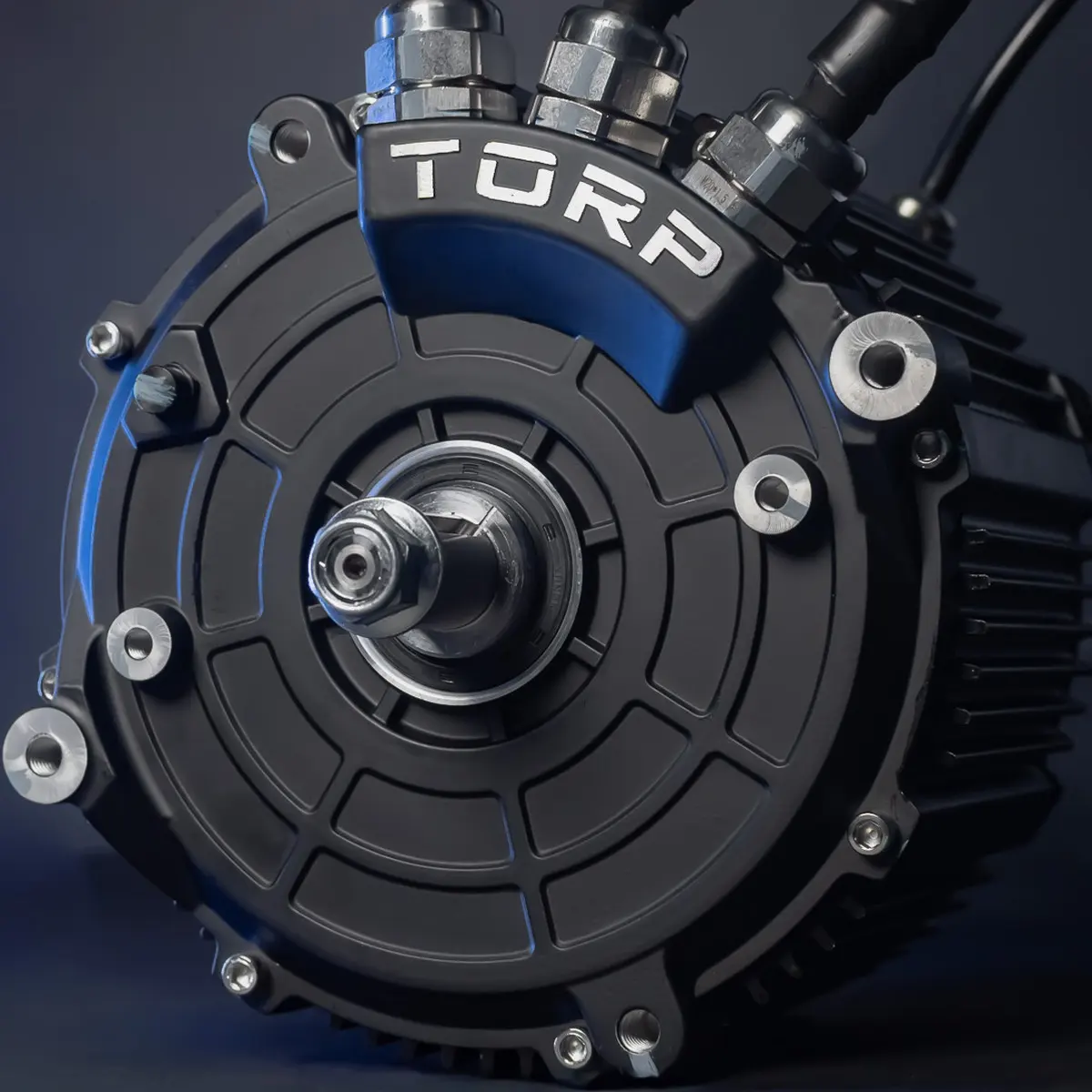
TORP TM50 Speed motor, front view

For builds that need more revs.

Choose TM50 Speed when a higher motor-speed ceiling fits your riding and gearing. It has a higher RPM rating than Pro, with a lower published torque rating. Both use TC1000.

Max torque
89 Nm
Max RPM
13,000
Weight
14.2 kg

Published motor ratings. Output on your bike depends on the complete setup.

Both use the same controller. TC1000 supports both motors and keeps Ultra Bee factory traction control. Choose the motor for how you ride, then check the battery setup.

Compare all Ultra Bee motor specifications
TM50 Pro vs TM50 Speed: published motor specifications
Motor specificationTM50 ProTM50 Speed
Compatible controllerTC1000TC1000
Motor peak rating58 kW55 kW
Continuous rating24 kW24 kW
Max torque102 Nm89 Nm
Max phase current1200 A1200 A
KV88 RPM/V97 RPM/V
Max RPM11,00013,000
Weight14.2 kg14.2 kg
Warranty2 years2 years

Peak and continuous figures are motor ratings, not a guaranteed output for every controller and battery combination. Torque figures are motor ratings, not wheel torque. KV is the motor speed constant in RPM/V; gearing and wheel size also affect vehicle speed.

Rider tests

Watch the Ultra Bee rider tests

Watch Stingy's TM50 Pro and Speed builds. Each video shows the creator's own setup; battery, controller settings and gearing also affect the result.

03 / The complete setup

A motor rating is only part of the story.

Battery + controller + motor.
All three determine the result.

A TM50 Pro has a published motor peak rating of 58 kW. The listed 80 V setup with the standard TC1000 2.0 is estimated at up to 50 kW.

Use the examples to compare combinations, then select your exact parts in the builder. These are peak system estimates, not wheel-dyno measurements or guaranteed output.

Check my exact setup
Upgraded 80 V battery

Estimated peak system power

  • Light Bee · TM25TC500 + 80 V battery
    30 kW
  • Light Bee · TM25TC1000 + 80 V battery
    31 kW
  • Light Bee · TM40 ProTC1000 + 80 V battery
    50 kW
  • Ultra Bee · TM50 ProTC1000 + 80 V battery
    50 kW
  • Ultra Bee · TM50 SpeedTC1000 + 80 V battery
    50 kW

TC1000 2.0 HV is a separate version in development. These examples use the standard controllers.

04 / Before you order

Three checks for the right upgrade.

  1. 01

    Match the bike.

    TM25 and TM40 Pro are for Light Bee. TM50 Pro and Speed are for Ultra Bee. Choose the product and kit made for your model.

  2. 02

    Match the controller.

    TM25 works with either TORP controller. TM40 Pro and both TM50 motors need TC1000.

    Compare controllers
  3. 03

    Plan the battery and fit.

    Check battery compatibility and the installation requirements for your exact setup. For a high-power build, include any required drivetrain upgrades in your plan.

    Read the installation guides

Motor upgrades, explained

TM25 or TM40 Pro: which motor should I choose for my Light Bee?

TM25 works with TC500 or TC1000 and is the lighter of these two motors. Choose it if you want to retain your TC500 or build around the TM25's capabilities. TM40 Pro requires TC1000 and suits a higher-power build with an appropriate upgraded battery. Compare the complete setup rather than the motor rating alone.

TM50 Pro or TM50 Speed: what is the difference?

TM50 Pro prioritizes torque, with a published maximum of 102 Nm and 11,000 RPM. TM50 Speed has a 13,000 RPM ceiling and 89 Nm maximum torque. Both are Ultra Bee motors that pair with TC1000. These ratings do not predict a bike's top speed on their own.

Will a new motor give me the full advertised power on my stock battery?

Not necessarily. Your battery and controller can limit the output of the complete setup. A motor's peak rating is not a promise of that power on your bike. Select your exact battery, including the relevant stock-battery version, in Build My Setup.

Check my battery and motor combination
Why are TM50 motor ratings higher than the 50 kW setup examples?

TM50 Pro and Speed have published motor peak ratings of 58 kW and 55 kW respectively. The listed 80 V setups with the standard TC1000 2.0 are estimated at up to 50 kW. Component ratings and complete-system estimates are different. TC1000 2.0 HV is a separate version in development.

Can I use TC500 with TM40 Pro or either TM50 motor?

No. TM40 Pro, TM50 Pro and TM50 Speed require TC1000 in the TORP setups shown here. TM25 is the Light Bee motor option that works with TC500 as well as TC1000.

Read the TC500 vs TC1000 buying guide
Do these motors fit a Talaria?

The motors on this page are for SurRon Light Bee or Ultra Bee, as labelled. They are not listed as Talaria motor upgrades. The TORP Talaria setups currently use the stock motor with a compatible controller kit.

See Talaria controller upgrades
Ready for your next ride

Build around the motor you want.

Choose your bike and parts, check the estimated power, then review the matching products in your cart.

Build My Setup